privacywhy censor your word docs and your scribbles on the notepad down there?
privacywhy censor your word docs and your scribbles on the notepad down there?


That's the one I was talking about.What about Windows NT 3.1?


Someone's writing werewolf fan fictionwhy censor your word docs and your scribbles on the notepad down there?

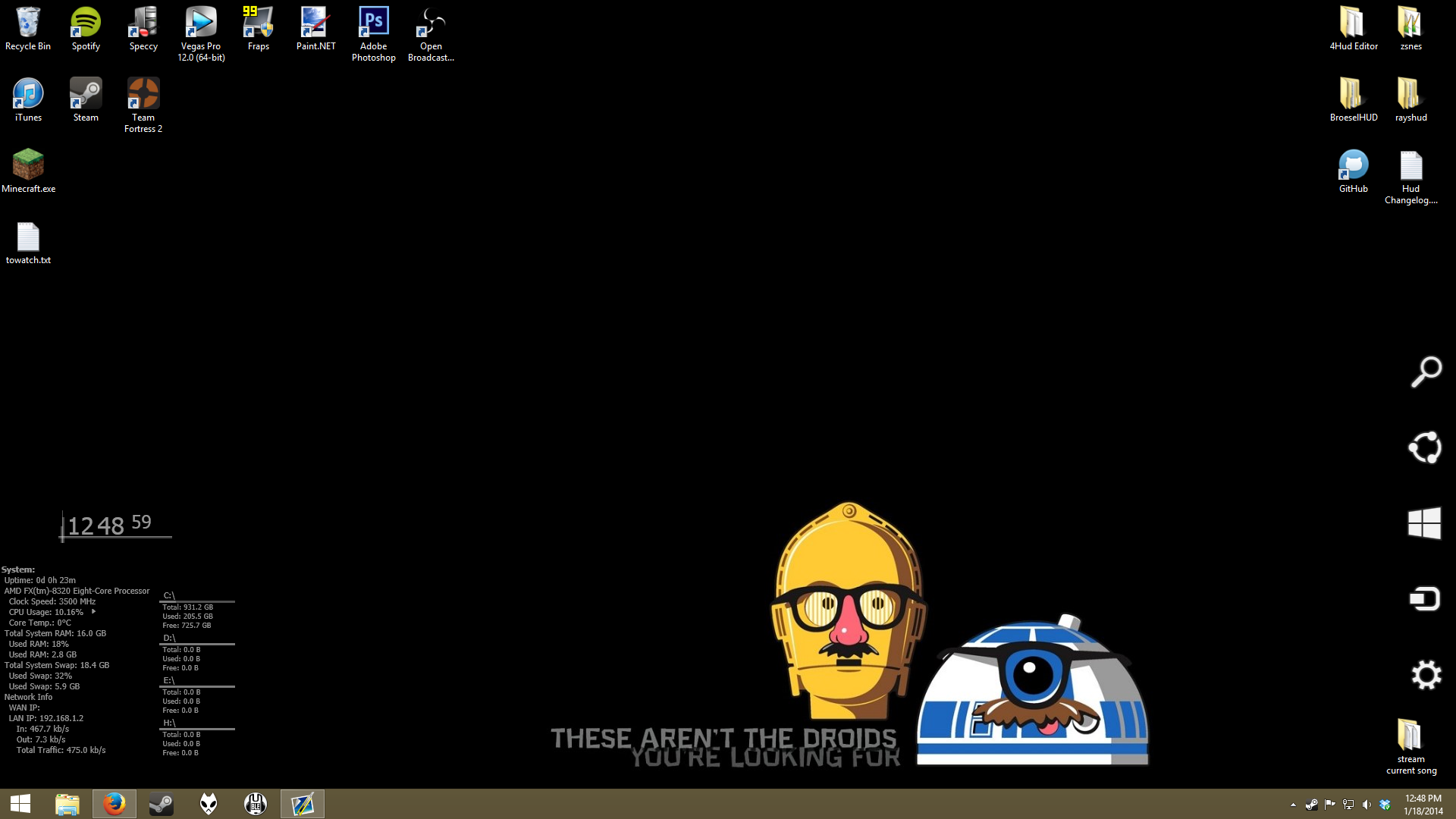

It's probably been a good 5 months since I've changed my background. But I'm glad I finally did.

http://teamfortress.tv/forum/thread/11150-4s-hud-editor-betaOh, there's a HUD editor? Here I've been changing all my files manually.

How'd you get the Win 8 Toolbar to stay in the corner? Is there an option for that?
It's probably been a good 5 months since I've changed my background. But I'm glad I finally did.
Gross, Notepad++. SublimeText looks so much nicer.http://teamfortress.tv/forum/thread/11150-4s-hud-editor-beta
It's ok, I guess. I mean I prefer just using Notepad++ personally, and that's what I have been doing, but like I said, it's ok.
It could be more beneficial to have a main menu editor, like it used to before he removed it since it really didn't work...
When I gyazo'd the whole screen I must have triggered it to appear with the final mouse movement towards the right of the screen.How'd you get the Win 8 Toolbar to stay in the corner? Is there an option for that?

No, I meant when mine comes up it take up the entire sideboard of the screen. Yours only seems to take up half, or at least all the icons are towards the bottom. I was wondering if that was a setting, or if you installed something to make it do that.When I gyazo'd the whole screen I must have triggered it to appear with the final mouse movement towards the right of the screen.
I didn't realize that was in the picture until now...
The icons seem to load in quicker than the bar behind it, therefore I must have caught it at the prefect time. No the shitty black bar comes up for me as well, if that's what you're asking.No, I meant when mine comes up it take up the entire sideboard of the screen. Yours only seems to take up half, or at least all the icons are towards the bottom. I was wondering if that was a setting, or if you installed something to make it do that.
Lucky Duck. Can't figure out how to resize the bar so it doesn't cover my actual taskbar that I use.The icons seem to load in quicker than the bar behind it, therefore I must have caught it at the prefect time. No the shitty black bar comes up for me as well, if that's what you're asking.
Actually I just noticed when I was going to go close a window, if you move your mouse diagonally towards the top right of the screen, the icons will come up without the black bar. Unfortunately, when you move your mouse cursor down onto the button, the black bar appears.Lucky Duck. Can't figure out how to resize the bar so it doesn't cover my actual taskbar that I use.